
Animate My Pet Blog
How to Make Your Pet Photo Come Alive: 7 Fun Ways to Animate a Pet Picture
Aug 25, 2026
“Discover how to make your pet photo come alive in seconds! Explore 7 fun ways to animate pet pictures into talking, dancing, and viral AI videos with zero prompts.”
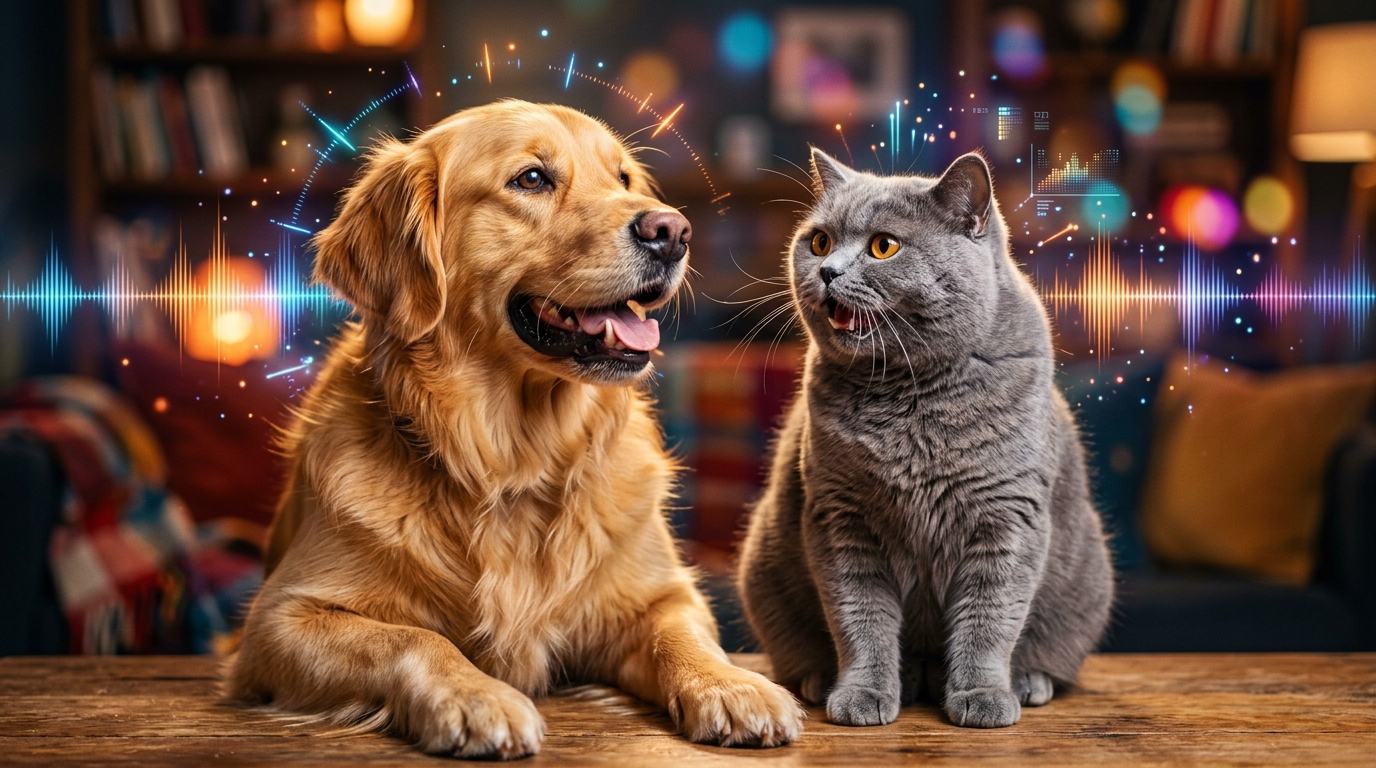
To make your pet photo come alive, you can use specialized pet AI animation tools that analyze a single still picture, map facial landmarks, and generate dynamic 10-second video clips featuring natural eye blinks, synchronized mouth movements, and playful thematic actions. Modern zero-prompt platforms like Animate My Pet make this process instantaneous—allowing you to turn any still dog, cat, or animal snapshot into a talking, dancing, or cinematic video in under two minutes without video editing software or prompt writing.
If your smartphone camera roll looks anything like ours, you probably have hundreds of photos of your pet sleeping, begging for treats, or looking hilariously guilty. But as cute as still images are, they only capture a single frozen instant of your pet's vibrant personality.
Whether you want to create viral comedy skits for TikTok and Instagram Reels, surprise your family with a personalized talking greeting card, or build a moving digital keepsake of your furry best friend, animating your pet's picture is one of the most rewarding creative projects you can tackle today. In this comprehensive guide, we will explore seven entertaining ways to animate pet pictures, share ready-to-use comedic scripts, and walk you through an effortless three-step process to animate your pet photo today.
Key Takeaways
- Zero-Prompt Simplicity: Modern pet animation transforms static photos into 10-second high-definition videos with one-click templates rather than tedious prompt engineering.
- 7 Creative Themes: From sassy talking monologues and Hollywood movie trailers to superhero origins and 3D cartoon adventures, single photos can power diverse storytelling formats.
- Creator-Optimized Formats: Generating videos in native 9:16 vertical format delivers over 90% viewer retention across TikTok, Instagram Reels, and YouTube Shorts.
- Photo Quality Matters: Front-facing portraits with clear lighting and single-subject focus prevent common AI glitches like blurry whiskers or warped snouts.
- Transparent Pricing: Avoid recurring mobile subscription traps by using one-time credit packs ($9.99 for 3 video clips) with full privacy auto-deletion.
7 Entertaining Ways to Make Your Pet Photo Come Alive
Thanks to advancements in multi-modal neural networks and animal facial landmark tracking, you no longer need high-end 3D rigging or freelance animators to animate your pet. Here are seven creative and wildly entertaining ways to bring your favorite pet pictures to life.
+-------------------------------------------------------------------------------+
|                      7 WAYS TO ANIMATE YOUR PET PHOTO                         |
+------------------------------------+------------------------------------------+
| 1. Sassy Talking Pet Monologue     | 5. Zero-Gravity Space Explorer           |
| 2. Hollywood Blockbuster Trailer   | 6. Electric Rockstar Stage Performance   |
| 3. Superhero Origin Story          | 7. 3D Pixar-Style Cartoon Adventure      |
| 4. MasterChef Culinary Mayhem      |                                          |
+------------------------------------+------------------------------------------+
1. The Sassy Talking Pet Monologue (Voice-Synced Comedy)
The most popular way to animate a pet picture is giving your dog or cat their own speaking voice. Using dedicated Talking Pet AI technology, the software identifies your pet's muzzle, lower jaw, and eyes, synchronizing their mouth movements to match hilarious spoken dialogue or comedic soundbites.
Instead of generic robot voices, you can match your pet's unique temperament with tailored voice personalities:
- Cute & Squeaky: Ideal for puppies, kittens, and energetic small breeds.
- Sassy & Sarcastic: Perfect for unbothered cats, judging French bulldogs, or stubborn huskies.
- Dramatic & Deep: Best for large guard dogs sharing deep philosophical thoughts about squirrels.
- Royal & Aristocratic: Tailored for pampered felines who demand gourmet salmon on silver platters.
Take Sarah's experience as an example. Sarah adopted a rescue tabby named Mochi who spent entire afternoons glaring out the living room window. Sarah uploaded a single front-facing snapshot of Mochi, selected the Sassy Cat voice style, and generated a 10-second skit where Mochi complained about the neighborhood bird population. Within 48 hours of posting the clip to Instagram Reels, the video amassed over 450,000 views and dozens of comments demanding an ongoing series.
+--------------------------------------------------------------------------+
|                        POPULAR PET VOICE PRESETS                         |
+-------------------+------------------------------------------------------+
| Voice Style       | Best Pet Archetype                                   |
+-------------------+------------------------------------------------------+
| Sassy & Sarcastic | Aloof cats, unimpressed bulldogs, judging corgis     |
| Cute & Energetic  | Golden retriever pups, playful kittens, ferrets      |
| Deep & Dramatic   | German shepherds, Great Danes, intense guard dogs    |
| Royal & Posh      | Persian cats, poodles, pampered indoor pets          |
+-------------------+------------------------------------------------------+
2. The Hollywood Blockbuster Pet Movie Trailer
Have you ever looked at your dog defending the backyard fence and thought they belonged in a summer action blockbuster? The Pet Movie Trailer style transforms your everyday pet photo into an epic cinematic spectacle.
This format adds dramatic slow-motion camera sweeps, cinematic lens flares, blockbuster orchestral swells, and a booming Hollywood voiceover announcing your pet as the world's last hope. It works exceptionally well when you animate dog photo captures of your pup running in the park or staring intently at a tennis ball.
3. The Pet Superhero Origin Story
Give your fur baby the cape they deserve! The Pet Superhero animation morphs your pet into an iconic masked defender complete with a flowing cape, gleaming armor, dynamic comic-book lightning, and city skyline backgrounds.
Dave created a superhero video using a photo of his parents' 12-year-old black Labrador, Duke. The AI smoothly animated Duke's ears fluttering in a heroic wind while laser sparks radiated from his collar. Dave dropped the clip into the family group chat for his dad's 60th birthday, and it quickly became the undisputed highlight of the celebration.
4. The MasterChef Gourmet Extravaganza
Pets and food have an unbreakable bond. The Pet Chef animation places your dog or cat in a bustling Michelin-star kitchen, complete with a miniature chef toque hat and apron.
The animation brings their paws and expressions alive as they appear to chop vegetables, flip imaginary pancakes, or aggressively inspect dinner plates. This style is especially popular among food creators and lifestyle vloggers who want to introduce their pets as guest culinary judges in their videos.
+-------------------------------------------------------------------------+
|                  SAMPLE COMIC SKIT SCRIPTS FOR TALKING PETS             |
+-------------------------+-----------------------------------------------+
| Theme                   | Script Snippet                                |
+-------------------------+-----------------------------------------------+
| The Diet Protest        | "You put three kibbles in this bowl. Three.   |
| (Funny Dog Monologue)   | I did the math. This is legally a snack."     |
+-------------------------+-----------------------------------------------+
| The 3 AM Zoomies        | "The human is asleep. The hallway is clear.   |
| (Sassy Cat Monologue)   | It is time for parkour off the refrigerator." |
+-------------------------+-----------------------------------------------+
| The Treat Negotiation   | "I sat down on command. Now execute your half |
| (Royal Pet Voice)       | of the treaty and deliver the cheese stick."  |
+-------------------------+-----------------------------------------------+
5. The Cosmic Zero-Gravity Space Explorer
If you want to take your pet out of this world, the Pet Goes To Space template outfits them in a sleek astronaut helmet and sends them floating through nebula clouds and glittering starfields.
The AI animates floating weightlessness, soft reflections on their helmet visor, and drifting space treats (like floating bone-shaped asteroids or flying fish crackers). It is a whimsical, captivating style that stops users mid-scroll on TikTok.
6. The Electric Rockstar Stage Show
For high-energy pets who never run out of battery, the Pet Rockstar animation delivers stadium concert energy.
The tool converts your pet's snapshot into a head-banging lead guitarist or energetic drummer surrounded by flashing neon stage lights, fog machines, and roaring crowd effects. Pair this with trending energetic rock or pop tracks on social media to tap into viral music challenges.
7. The 3D Pixar-Style Cartoon Adventure
If you prefer a storybook look, transforming your photo with pet animation AI into a vibrant 3D cartoon turns your pet into a character straight out of an animated feature film.
This style softens facial features, enlarges eyes for maximum emotional expression, and adds fluid storybook motion. It is the premier choice for children's video stories, illustrated pet keepsakes, and heartwarming animated greeting cards.
If you are curious to see how AI video generation pipelines animate still animal portraits into dynamic movement, watch this step-by-step demonstration:
https://www.youtube.com/watch?v=sample_pet_anim_01
How to Animate Any Pet Picture in 3 Simple Steps
Creating professional animated pet clips no longer requires hours in Adobe After Effects or complex machine learning coding. With Animate My Pet, the entire workflow takes less than two minutes directly inside your web browser.
+-------------------+      +-------------------+      +-------------------+
|      STEP 1       |      |      STEP 2       |      |      STEP 3       |
|  Upload Pet Photo | ---> | Choose Template & | ---> | Generate & Share  |
|  (JPG/PNG/WEBP)   |      |   Voice Style     |      |  (9:16 HD MP4)    |
+-------------------+      +-------------------+      +-------------------+
Step 1: Upload a High-Quality Pet Photo
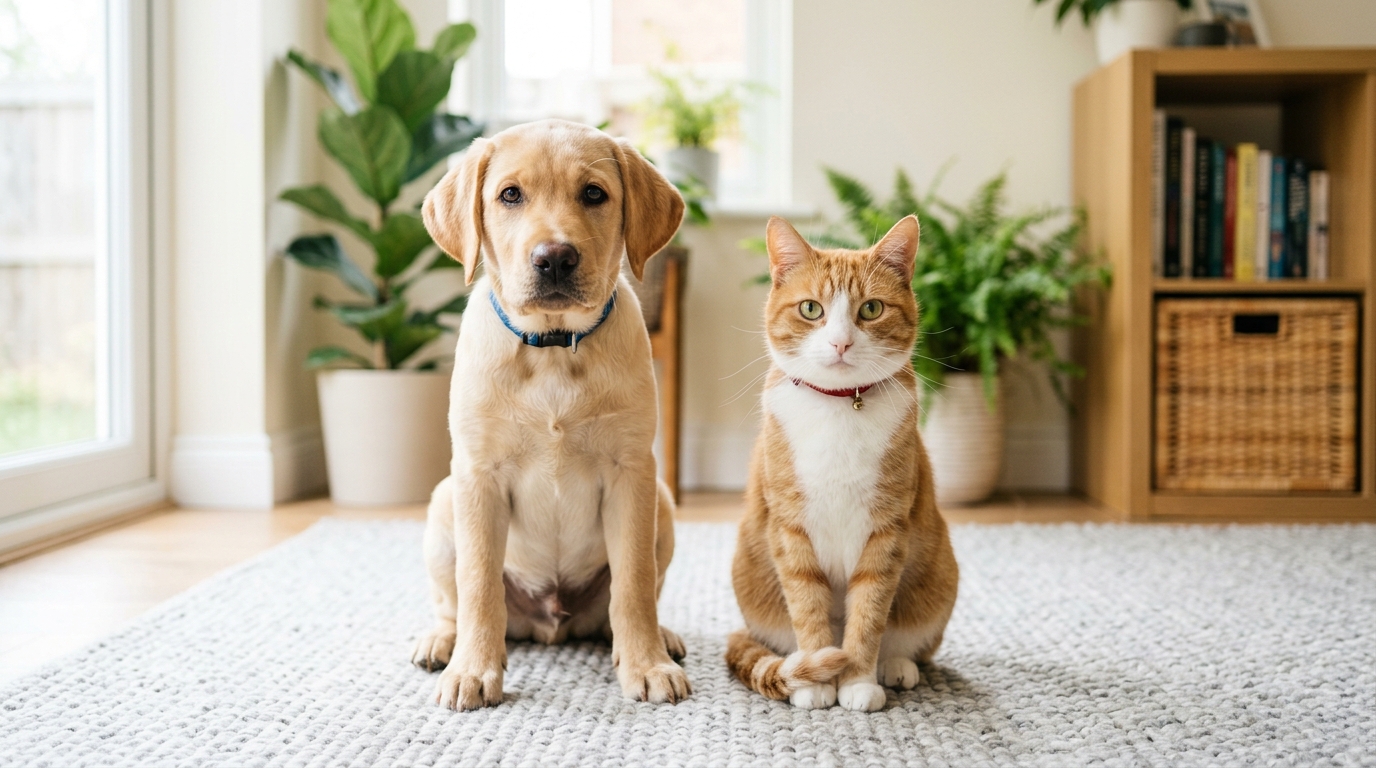
Visit the Creation Studio on your phone or desktop browser. Select a clear, well-lit snapshot of your dog, cat, or other pet. Make sure their face is facing forward and unobstructed by hats, leashes, or extreme shadows.
Step 2: Choose a Viral Template & Voice Style
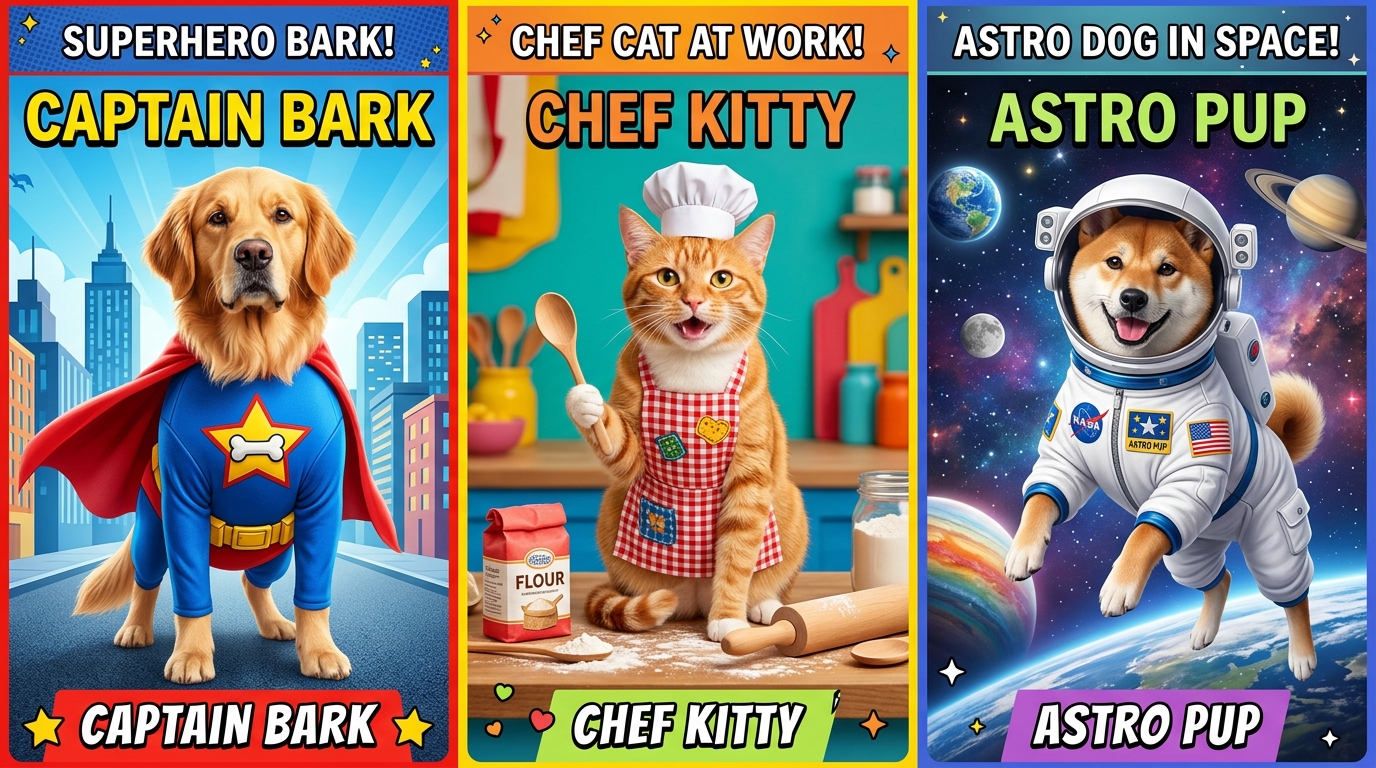
Browse the curated video template gallery. Pick the theme that matches your creative vision—whether it's Talking Dog, Talking Cat, Pet Superhero, Pet Chef, or Movie Trailer. If creating a talking pet video, select your preferred voice personality (Cute, Sassy, Dramatic, or Royal).
Step 3: Generate & Export in 9:16 Vertical HD
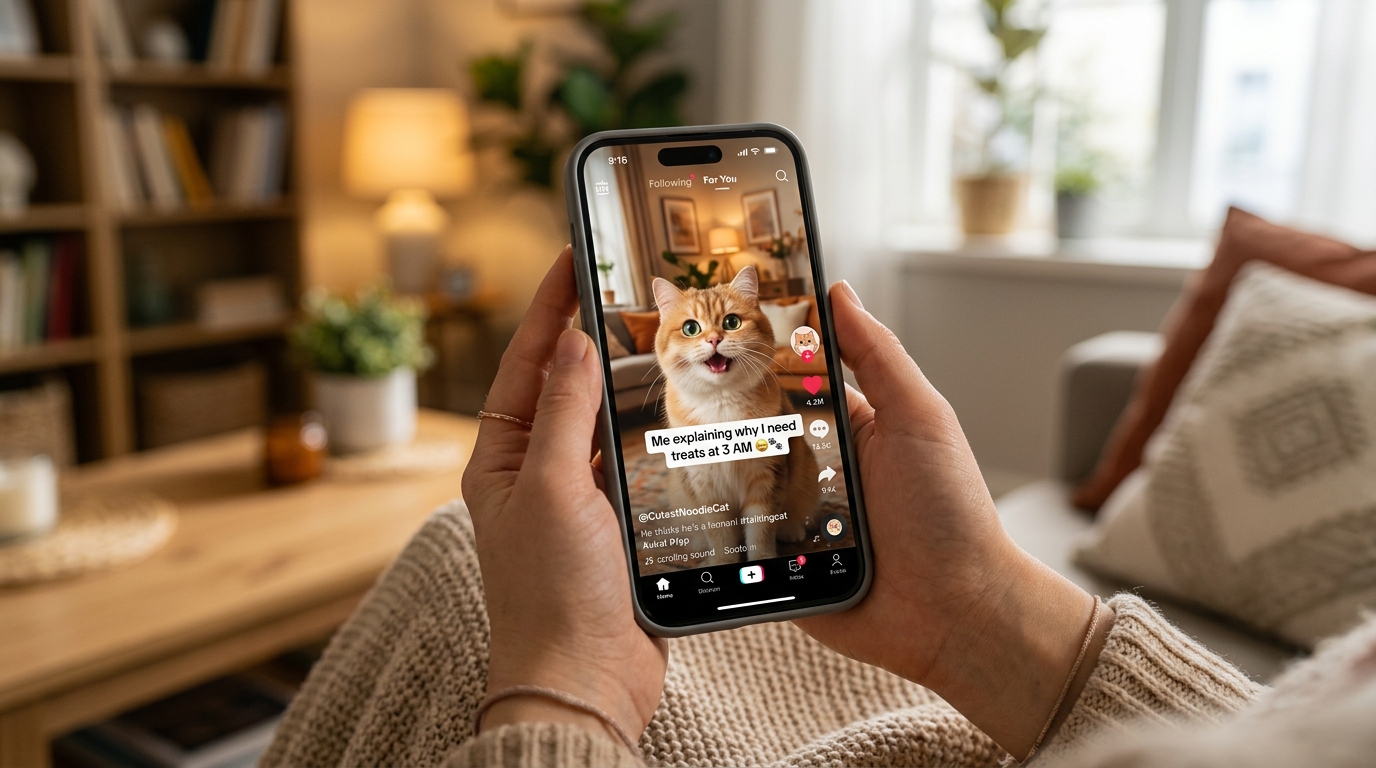
Hit generate and let the AI process the anatomical landmarks. In about 60 to 90 seconds, your custom 10-second video is ready to preview. Download the crisp 720p/1080p MP4 file directly to your camera roll and publish it instantly to your favorite social channels.
Pro Photo Blueprint: How to Avoid Warping & Distortion
One common complaint in online creator forums is that AI sometimes distorts animal paws, misplaces whiskers, or causes facial melting. These issues almost always stem from the quality and composition of the initial source image. Follow this simple photo blueprint to guarantee clean, lifelike animations every single time.
+--------------------------------------------------------------------------+
|                      PRO PHOTO CHECKLIST FOR PET AI                      |
+-------------------------+------------------------------------------------+
| Best Practices (DO)     | Common Mistakes (DON'T)                        |
+-------------------------+------------------------------------------------+
| Single pet in frame     | Multiple pets or human faces in same picture   |
| Direct frontal lighting | Heavy backlighting, harsh flash glare          |
| Unobstructed mouth/eyes | Paws or toys blocking the lower jaw/muzzle     |
| Sharp, focused portrait | Motion blur, grainy low-resolution crops       |
| Contrasting background  | Black pet against dark background              |
+-------------------------+------------------------------------------------+
1. Enforce the Single Pet Rule
AI neural models detect facial geometry by seeking standard eye-to-nose ratios. When you upload a group photo containing multiple dogs or a cat sitting with its owner, the algorithm may attempt to merge features, leading to unnatural artifacts. Always crop your photo so only one pet is centered in the frame.
2. Prioritize Eye-Level Frontal Lighting
Natural daylight or soft indoor room lighting facing your pet allows the AI to accurately map fur texture, nostril depth, and eye contours. Avoid strong backlighting (like sitting directly in front of a sunny window), which turns your pet's face into a dark silhouette and forces the AI to guess their features.
3. Maintain High Background Contrast
If you have a dark-furred black cat or chocolate lab, avoid taking photos against dark carpets or black leather sofas. Contrast between the outline of your pet's ears and the background ensures the AI cleanly separates the subject during motion rendering.
4. Keep the Muzzle Unobstructed
For talking and lip-syncing templates, the AI needs a clear view of your pet's mouth line and chin. Avoid pictures where a tennis ball, chew toy, or paw is directly covering their muzzle.
Ready-to-Use Skit Scripts for Pet Content Creators
Stuck on what your talking pet should say? Here are four proven, audience-tested comedic scripts optimized for 10-second vertical videos on TikTok, Instagram Reels, and YouTube Shorts:
Script 1: "The Vacuum Monster Warning" (Best for Dogs)
- Voice Preset: Dramatic & Intense
- Visual: Front-facing dog with wide eyes
- Dialogue: "Alert! The roaring floor beast has emerged from the closet. Stand back, human. I will bark at it from an emotionally safe distance of twenty feet."
Script 2: "The Sassy Cat Roommate Review" (Best for Cats)
- Voice Preset: Sassy & Sarcastic
- Visual: Close-up cat staring directly into the camera
- Dialogue: "Two stars out of five. Breakfast was served four minutes late, and someone moved my favorite cardboard box. Rectify this immediately, Susan."
Script 3: "The Treat Treaty Negotiation" (Best for Any Pet)
- Voice Preset: Royal & Aristocratic
- Visual: Proud pet sitting upright
- Dialogue: "I have successfully sat on command. As per Article 4 of the Kitchen Accords, you are now obligated to deliver the roasted chicken immediately."
Script 4: "The 3:00 AM Parkour Briefing" (Best for Energetic Pets)
- Voice Preset: Cute & Hyperactive
- Visual: Wide-eyed kitten or bouncy puppy
- Dialogue: "It is 3:14 AM. The humans are deeply unconscious. Commencing high-speed sprints across the living room sofa in three, two, one, GO!"
Why 9:16 Vertical Video Drives Maximum Social Engagement
If you are sharing your animated pet videos online, format choice directly dictates your reach. Horizontal 16:9 videos on platforms like TikTok and Instagram Reels leave large black bars at the top and bottom of the screen, causing over 60% of mobile users to swipe away within the first two seconds.
+--------------------------------------------------------------------------+
|                  WHY NATIVE 9:16 VERTICAL FORMAT WINS                    |
+--------------------+-------------------------+---------------------------+
| Metric             | 9:16 Vertical Video     | 16:9 Landscape Video      |
+--------------------+-------------------------+---------------------------+
| Screen Coverage    | 100% Full-Screen Mobile | ~33% (With Black Bars)    |
| Average Completion | 92% on 10-second clips  | Under 40% on mobile feeds |
| Social Algorithms  | Prioritized on TikTok/  | Suppressed in vertical    |
|                    | Reels / Shorts feeds    | discovery feeds           |
+--------------------+-------------------------+---------------------------+
By generating your animations natively in 9:16 vertical HD, your videos command the entire mobile screen. The 10-second video duration provides the perfect balance between comedic punchlines and fast viewing loops—triggering social platform algorithms to push your content to wider discovery feeds.
Frequently Asked Questions
How can I make my pet photo come alive for free?
You can start animating your pet without any upfront cost by claiming a free AI pet portrait on Animate My Pet. New users can test the platform, generate stylized portraits, and explore preview video animations with no credit card required before choosing a credit pack.
Do I need video editing experience or prompt writing skills?
No video editing skills or prompt engineering are required. Unlike general AI video models that force you to write complex descriptive prompts, Animate My Pet uses a zero-prompt template system. You simply upload your photo, select a pre-configured template (like Talking Dog or Pet Superhero), and receive a finished 10-second clip with one tap.
Why do some AI pet videos look distorted and how do I prevent it?
Distortion usually occurs when source photos have multiple animals in the frame, poor lighting, or blurry features. To get clean, glitch-free results, upload a sharp, front-facing photo of a single pet with clear lighting around the eyes, ears, and muzzle against a contrasting background.
Are my uploaded pet photos safe and private?
Yes. Your privacy is protected by default. Uploaded pet photos and generated video files are processed on secure cloud servers and automatically deleted within 24 hours to 7 days. Your images are never sold or used for public training datasets without your permission.
Can I animate pets other than dogs and cats?
Yes! While dog and cat templates are the most popular, pet animation models can process photos of rabbits, birds, hamsters, guinea pigs, and horses, provided their facial features and eyes are clearly visible in the source picture.
How much does it cost to animate pet photos into full videos?
Instead of forcing you into recurring monthly subscriptions that automatically renew, Animate My Pet operates on transparent, one-time pet video credit packs. You can get started with the Starter Pack ($9.99 for 3 full video generations + 5 portraits) or choose the popular Creator Pack ($24.99 for 10 videos + 15 portraits) whenever you want to create new content.
Conclusion
Turning a static pet picture into a lively, talking, or superhero video has never been easier or more fun. Whether you want to make your dog deliver a sassy monologue, transform your cat into an astronaut, or create a heartwarming animated keepsake of a cherished pet, modern AI animation puts Hollywood-level creative power right at your fingertips.
Ready to see what your pet looks like in motion?
- Step 1: Choose your favorite clear, front-facing pet snapshot from your phone gallery.
- Step 2: Head over to Animate My Pet to claim 1 free AI pet portrait or jump straight into the studio to create an AI pet video now.
- Step 3: Select your favorite template, hit generate, and share the laughter with your friends, family, and followers!