
Animate My Pet Blog
Create Viral Pet Videos: Animate Your Pet Photos in Seconds
Aug 17, 2026
“Learn how to create viral pet videos by animating pet photos in seconds. Turn your dog or cat into talking stars, superheroes, and movie trailers with zero prompts.”
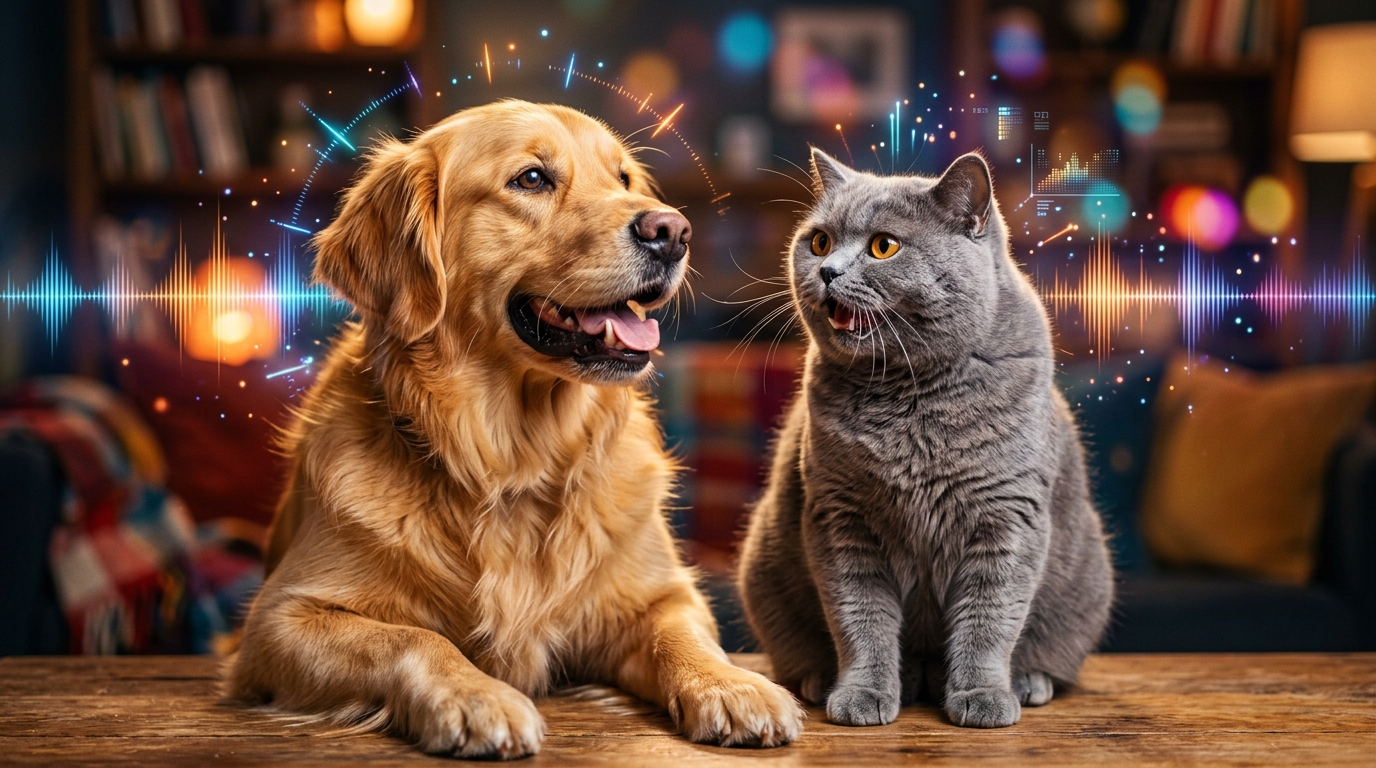
To turn any dog or cat picture into an animated clip, upload your photo to Animate My Pet. Pick a ready-to-use template like Talking Pet or Pet Superhero, and export a ready-to-post 9:16 vertical video in under two minutes. You don't need editing skills, animation know-how, or complicated prompts to make your pet move and speak.
Every pet parent knows that look. Your golden retriever stares at an empty food bowl like a dramatic hero, or your tabby cat glares from the fridge like a boss. You snap a quick photo, but a still picture captures only half the story. The rest lives in their unspoken attitude, dramatic sighs, and funny habits.
Turning those camera roll snapshots into high-energy clips used to take hours of manual keyframing. Today, smart AI tools let you animate pet photos into crisp 10-second vertical videos built for TikTok, Instagram Reels, and YouTube Shorts. You can give your pup a sassy comedy routine or turn your kitten into a movie star in seconds. Go ahead and create an AI pet video now in just three quick clicks.
Key Takeaways
- Zero-Prompt Simplicity: Specialized pet AI generates 10-second vertical HD videos directly from one photo without any prompt writing or timeline editing.
- Built for Social Feeds: Native 9:16 vertical output (720p HD MP4) matches the 8-to-10-second sweet spot that drives 110%+ watch-time loops on TikTok, Reels, and Shorts.
- Natural Animal Expressions: Canine and feline models keep snouts, whiskers, eyes, and fur realistic while delivering clean mouth sync and five fun voice styles (Cute, Funny, Dramatic, Sassy, Royal).
- Clear One-Time Pricing: Avoid costly $40/month app subscriptions with simple credit packs starting at $9.99 (or the $24.99 Creator Pack) and a free portrait trial.
Why short-form AI pet videos dominate social algorithms
Pet content is a massive growth engine on social media. Data from Statista's short-form video benchmarks shows that animal clips get higher comments and shares than almost any other consumer topic. Social algorithms look for three clear viewer habits: quick hooks, high watch time, and repeat loops.
┌─────────────────────────────────────────────────────────────┐
│             THE 10-SECOND VIRAL RETENTION LOOP              │
├─────────────────────────────────────────────────────────────┤
│  00:00 - 00:02  │  Visual Hook + Relatable Expression       │
│  00:03 - 00:06  │  Punchy Voiceover / Dynamic Motion Setup  │
│  00:07 - 00:09  │  Comedic Punchline / Surprising Twist     │
│  00:10          │  Seamless Loop Reset (Rewatch Trigger)    │
└─────────────────────────────────────────────────────────────┘
When users scroll their feed, a static photo gets only a split-second glance. But when that photo blinks, moves its head, and delivers a witty line about the vacuum cleaner, people stop scrolling.
Short-form video apps favor full completion over long runtimes. A 10-second video watched to the end sends strong ranking signals across feeds, as highlighted in YouTube Shorts creator guidelines. When viewers loop a funny clip twice, your watch percentage beats 120%. That triggers the algorithm to push your clip to wider discovery pages. With an AI pet video generator, you get videos tuned for this viral loop without setting up lights or cameras.
The 3-step blueprint: How to animate pet photos in seconds
Transforming a photo into a shareable animation doesn't take technical skills. The whole process runs right in your mobile or desktop web browser.
   [ Step 1: Upload Photo ]  ──▶  [ Step 2: Select Template ]  ──▶  [ Step 3: Download & Post ]
   • Clear, well-lit snapshot      • Talking Dog / Sassy Cat         • 720p HD 9:16 vertical MP4
   • Front-facing pet face         • Pet Superhero / Movie Trailer   • Watermark-free credit export
   • Single pet in frame           • Curated voice archetype         • Instant social upload
Step 1: Pick and upload the right pet photo
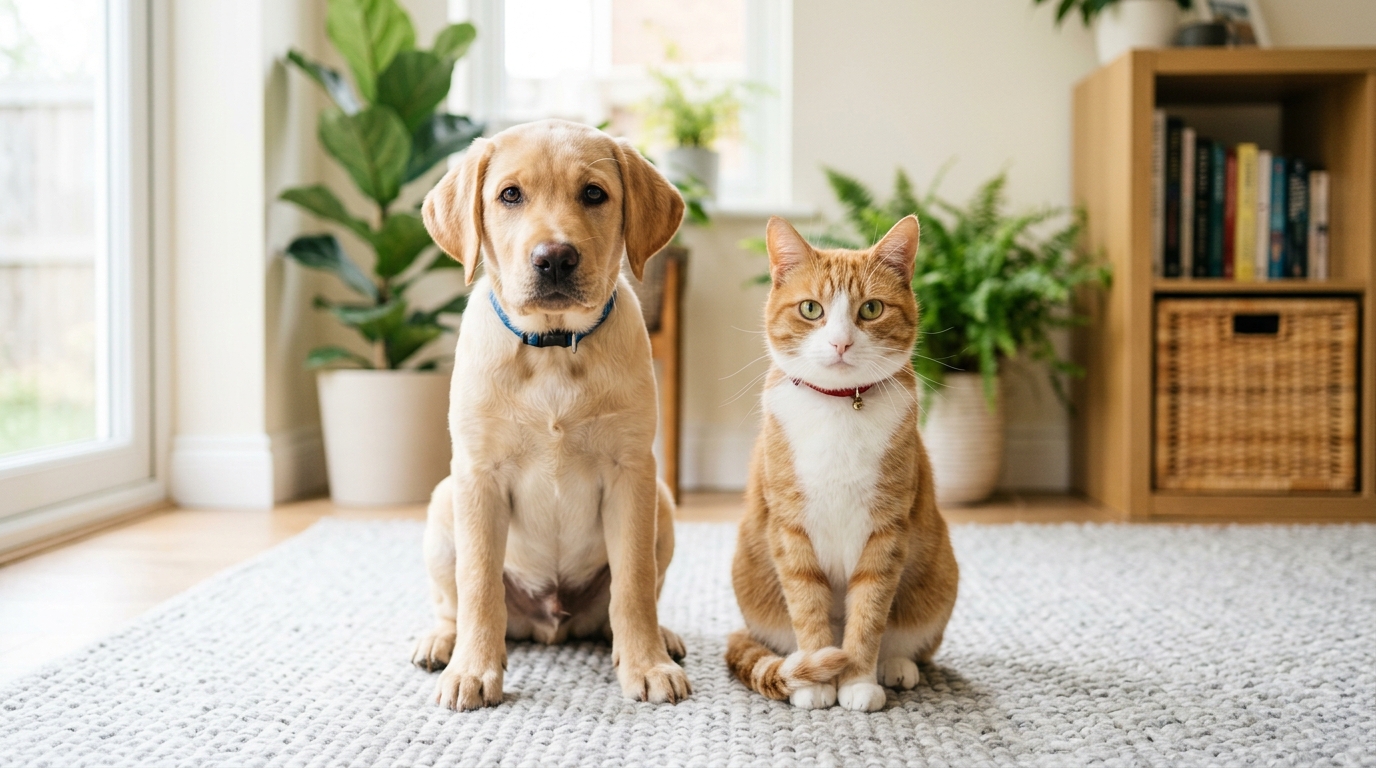
A great animation starts with a clean photo. You don't need fancy studio lights, but simple photo habits help the AI read your pet's face:
- Direct eye contact: Pick a photo where your pet faces the camera directly or sits at a slight angle.
- Even lighting: Soft daylight or clear indoor lights work best. Skip harsh shadows that hide eyes or whiskers.
- Single pet in frame: Upload pictures with one dog or cat so the animation engine maps facial points cleanly.
- Any standard format: Use JPG, PNG, or WEBP files right from your phone gallery.
If you're starting with a dog, head over to animate dog photo. Cat owners can jump into animate cat photo for feline-tuned animations.
Step 2: Select a viral template and voice personality
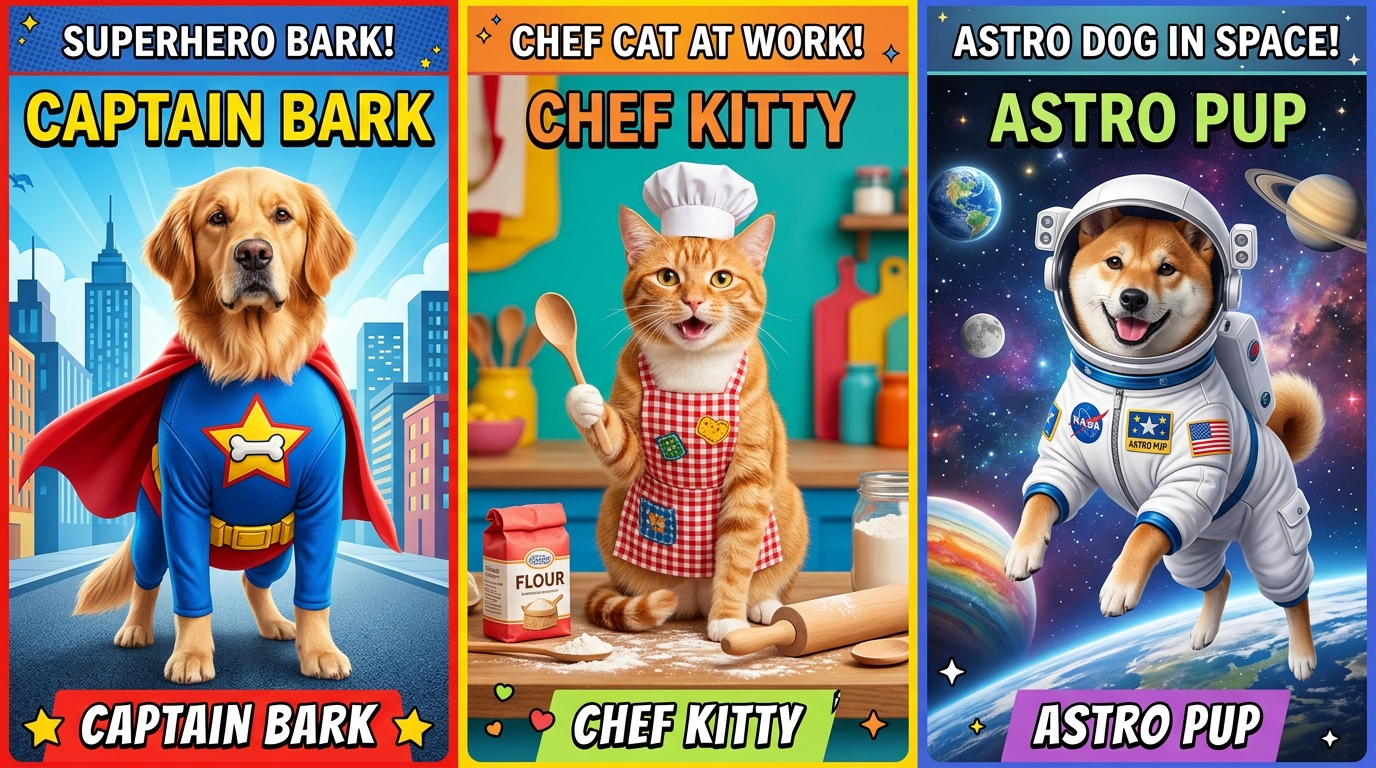
You don't need to write long prompts. Animate My Pet gives you ready-made, one-tap templates with custom motions, camera angles, and voice sync built in.
- Talking Pet Series: Pick Talking Dog or Talking Cat to trigger realistic mouth and facial motions.
- Fun Voice Archetypes: Choose a personality that fits your pet's true attitude:
- Cute: Sweet, upbeat puppy or kitten voice.
- Funny: Sarcastic timing for naughty pets.
- Dramatic: Big theatrical flair for minor complaints.
- Sassy: Sharp wit for independent pets.
- Royal: Snooty charm for pets who rule the house.
- Character Transformations: Pick fun themes like Pet Superhero, Pet Chef, Pet Rockstar, Pet Goes To Space, or the cinematic Pet Movie Trailer.
Step 3: Generate, preview, and share in native 9:16 vertical HD
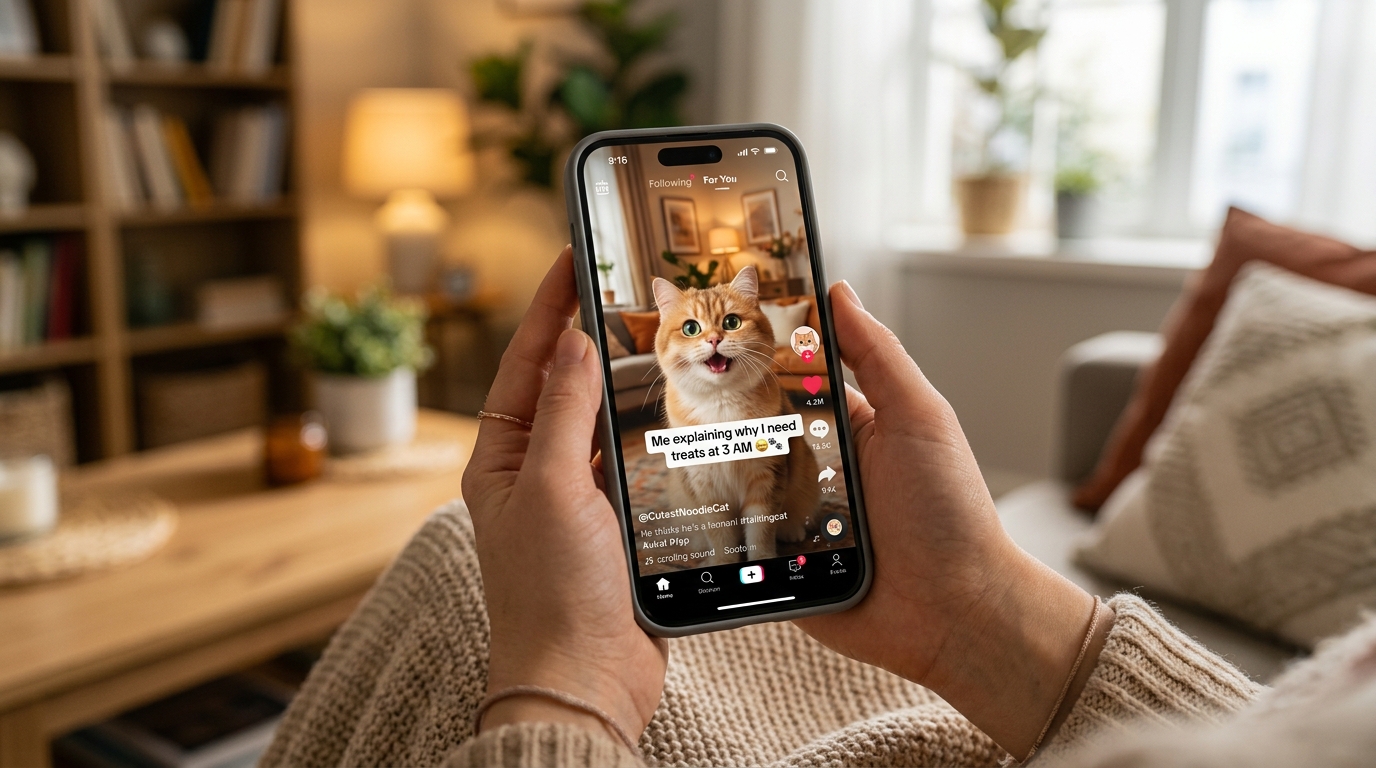
Click generate, and cloud servers build your clip in about 60 to 90 seconds. You receive a complete 10-second 720p HD MP4 video formatted in full 9:16 vertical ratio.
The file saves straight to your camera roll. You can post it directly to TikTok, Instagram Reels, or YouTube Shorts without cropping or resizing.
Real creator case study: From phone snapshot to 450,000 views
Let's look at how this works in real life. Maya runs a small Instagram account for her 3-year-old French Bulldog, Buster. She had plenty of photos of Buster lounging around, but still pictures rarely got more than 500 likes.
Maya took a picture of Buster giving a deadpan look out the window. She uploaded it to Animate My Pet, picked the Talking Dog template with the Dramatic voice, and gave him a witty script: "The neighbor's cat is on my fence again. I've filed three complaints with management, and yet nothing gets done."
┌─────────────────────────────────────────────────────────────┐
│               MAYA & BUSTER: VIRAL RESULTS                  │
├─────────────────────────────────────────────────────────────┤
│  Production Time:       90 seconds (single browser tap)     │
│  Initial Followers:     1,240                               │
│  7-Day Video Views:     462,000+                            │
│  Total Shares:          18,400+                             │
│  Net New Followers:     +6,850                              │
└─────────────────────────────────────────────────────────────┘
Within two days of posting the 10-second Reel, the clip landed on the explore page. Viewers sent it to friend chats, driving over 18,000 shares and nearly 7,000 new followers. It all came from a single phone snapshot Maya took while brewing coffee.
Top 5 viral pet video formats and plug-and-play skit formulas
Matching your pet's expression with the right format makes your video shine. Here are five popular templates along with ready-to-use skit ideas.
| Template Style | Visual Effect | Best Voice Preset | Proven Viral Skit Hook |
|---|---|---|---|
| Talking Dog | Clean mouth sync, head tilts, blinking | Funny or Dramatic | "Explaining why dinner should legally happen at 4:00 PM." |
| Talking Cat | Whisker twitches, sassy mouth motion | Sassy or Royal | "Reviewing the human's work as an unpaid butler." |
| Pet Movie Trailer | Epic movie score, dynamic zooms | Dramatic | "In a world without treats... one fluff rises." |
| Pet Superhero | Hero cape, glowing energy, heroic poses | Royal or Dramatic | "The guardian of the living room rug takes flight." |
| Pet Chef | Chef hat, bustling kitchen background | Cute or Funny | "Bone-appétit: How to steal food off the dining table." |
1. The Talking Pet monologue (Dog & Cat)
The inner monologue is a classic social format. When you use Talking Pet AI, the tool detects your pet's muzzle and creates natural speech motion.
- Skit Formula 1 (The Schedule Review): Let your dog list every house rule violation, like late morning walks or tiny treats.
- Skit Formula 2 (The 3 AM Zoomies Speech): Pair a wide-eyed cat photo with a speech about why running at 3:00 AM is top-priority work. Check out more feline clips with our ai cat video generator.
2. The Hollywood Pet Movie Trailer
A serious movie voiceover paired with a fluffy pet is instant comedy. The Pet Movie Trailer template adds movie graphics, fast cuts, and big orchestral sound.
- Skit Formula: Use a close-up photo of your pet looking stern. The trailer voice presents them as a retired secret agent tracking the mail carrier.
3. The Pet Superhero transformation
Turn your sweet pup into a caped defender. The Pet Superhero template puts your pet in heroic gear while keeping their real face front and center.
- Skit Formula: Give your pet a funny superhero name (like "Captain Bark") and list their odd superpowers, such as hearing a snack wrapper from three miles away.
4. The Pet Chef gourmet kitchen
Food-loving pets make great comedy chefs. The Pet Chef template puts your dog or cat in a sharp chef outfit behind a kitchen counter.
- Skit Formula: Have your pet give a harsh review of dry kibble vs. roasted chicken, scoring their human's cooking on a five-star scale.
5. Pet Rockstar & Pet Goes To Space
Novelty templates work wonders for music trends and sci-fi skits.
- Skit Formula: Put your cat in a space helmet exploring the living room ceiling, or turn your dog into a rock star shredding a guitar. Feel free to explore pet video templates to try these out.
Dedicated pet AI vs. general diffusion tools vs. mobile apps
Creators often ask if they should use broad video tools (like Runway or Kling), phone apps, or Animate My Pet. Knowing the difference saves you time and cash.
| Feature | Animate My Pet | General AI Video Engines | Mobile App Store Apps |
|---|---|---|---|
| Learning Curve | Zero prompts, 1-tap templates | Complex text prompts, seed settings | Ad-heavy, mixed results |
| Pet Anatomy Care | Tuned for dog & cat facial landmarks | High risk of odd teeth, melted snouts | Basic 2D sticker cutouts |
| Voice & Sound | 5 built-in personality voices | No audio; must edit sound separately | Basic robotic speech |
| Export Format | Native 9:16 vertical 720p HD MP4 | Usually landscape; needs cropping | Watermarked unless upgraded |
| Pricing Model | Simple credit packs ($9.99 / $24.99) | $25–$95/month ongoing subscriptions | Costly $9.99/week recurring fees |
| Device Access | Any web browser (iPhone, Android, PC) | Desktop browser only | Phone app only |
   TRADITIONAL EDITING PIPELINE (3-5 Hours)
   Shoot footage ──▶ Re-shoot (pet moved) ──▶ Import to PC ──▶ Keyframe mouth ──▶ Mix audio ──▶ Crop 9:16

   ANIMATE MY PET PIPELINE (90 Seconds)
   Upload photo ──▶ Tap viral template ──▶ Download 720p HD vertical MP4
General video AI is trained mostly on human faces and landscape photos. When you feed it a pet photo, it can create odd human teeth or extra paws.
Many mobile apps also hide high weekly fees behind confusing paywalls. Animate My Pet uses simple credit packs: the Starter Pack ($9.99) gives 3 videos and 5 portraits, while the Creator Pack ($24.99) gives 10 videos and 15 portraits. You can also claim 1 free AI pet portrait with no card needed. Check all options on our Animate My Pet pricing page.
4 pro tips to maximize engagement and trigger the viral loop
Making a great clip is step one. Polishing your posting strategy helps your video reach more viewers.
1. Front-load the 1-second visual hook
Viewers decide to watch or swipe in under two seconds. Use photos with big expressions: wide eyes or a funny tilt. Put bold text in the upper third of the video (like "POV: You told him we're visiting the vet"). That sets up the joke before the sound even starts.
2. Pair animations with trending audio tracks
Animate My Pet builds in great voice styles, but you can also bring your clip into TikTok or Instagram and add trending music at low volume (10–15%). The platform lists your video under trending audio tags, giving you extra reach. Learn more tips on how to make talking pet clips.
3. Build a smooth loop
Viral clips connect the ending line back to the start. If your pet ends by saying "And that's why...", it loops neatly back to the opening line "I'm taking over the house." When people watch twice, your metrics jump.
4. Post consistently with batch creation
Testing different styles helps you find what hits. Since clips render in under two minutes, you can take four photos and build four distinct styles in one sitting. Testing the options in pet animation AI keeps your feed fresh without hours of editing.
Frequently asked questions
Can I animate any pet photo, or only dogs and cats?
Animate My Pet is tuned for dogs and cats, but it also supports rabbits, birds, and hamsters. Just make sure your pet's eyes and face are clearly visible in the photo.
Do I need prompt writing skills or video editing tools?
No prompts or video editing software are needed. Simply upload your photo, tap a template button, pick a voice, and the tool renders your video automatically.
What format will my generated pet video be?
Every video exports as a 720p HD MP4 file in 9:16 vertical ratio. It's ready to post on TikTok, Instagram Reels, and YouTube Shorts without any extra cropping.
Are my uploaded pet photos kept private and secure?
Yes. Your privacy comes first. Uploaded photos and videos are stored safely and deleted from cloud servers within 24 hours to 7 days. Your pictures are never sold or used for public training.
How much does it cost to animate pet photos with AI?
Animate My Pet offers simple one-time credit packs with no subscriptions. The Starter Pack is $9.99 for 3 videos, and the Creator Pack is $24.99 for 10 videos. You can also generate a free AI pet portrait to test quality first.
Conclusion
Bringing your pet's personality to life doesn't require studio gear, complex software, or tricky AI prompts. With dedicated pet models, turning a photo into a 10-second vertical video takes just a few clicks. You can grow your pet's social following or make funny memories to share with family and friends.
Upload your favorite snapshot today, pick a voice style, and start creating with Animate My Pet or generate a free cute cat AI portrait to see the results.