
Animate My Pet Blog
How to Make Your Pet Talk, Move, and Come Alive With AI
Aug 17, 2026
“Learn how to make your pet talk and move using AI. Upload one photo, pick a voice or viral template, and create 10-second HD pet videos in under 2 minutes.”
To make your pet talk and move using AI, all you need is a single clear photo of your dog or cat and a specialized browser-based animation tool like Animate My Pet. In less than two minutes, neural animation models map your pet’s unique muzzle and facial expressions, syncing their mouth seamlessly to hilarious voiceovers, custom dialogue, or cinematic viral templates—without prompt engineering, code, or video editing experience.
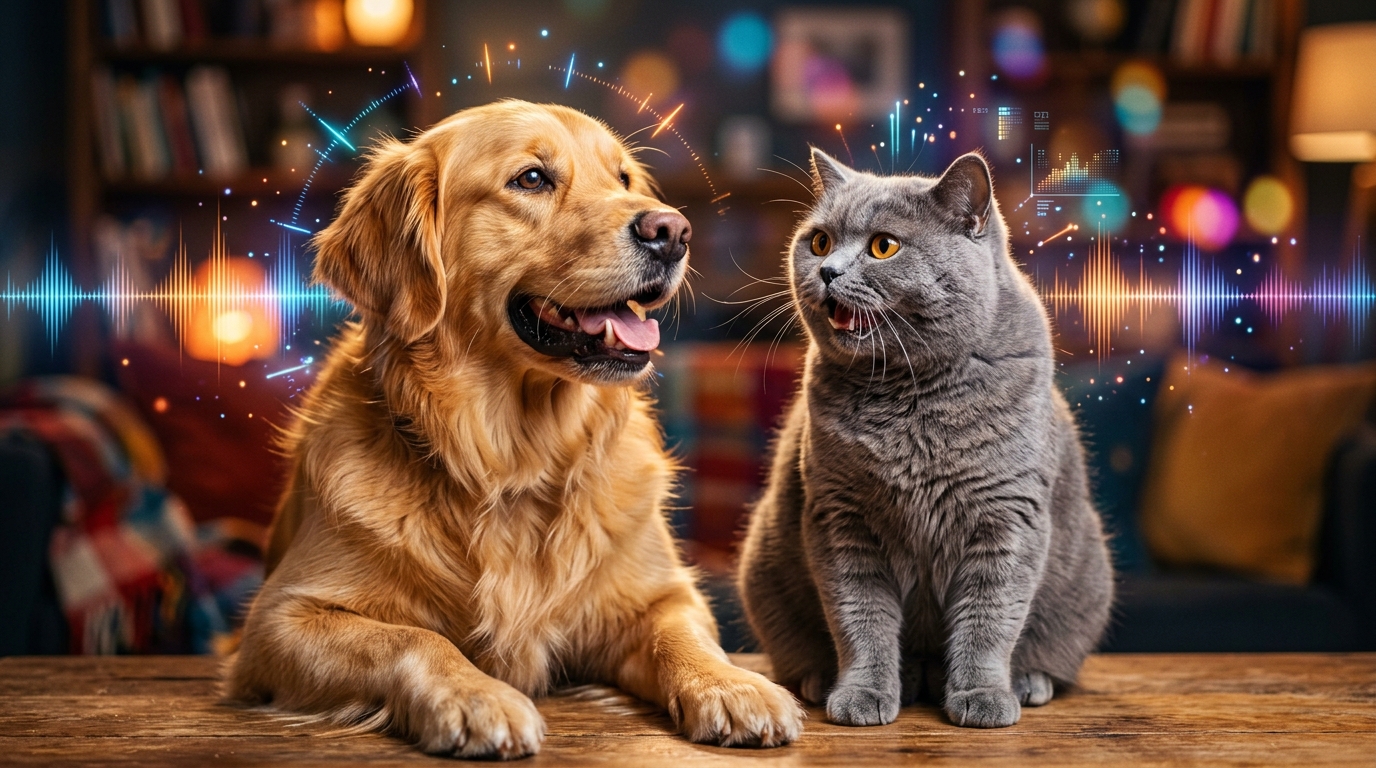
Every pet parent has looked into their fur baby’s eyes and wondered: What are you actually thinking right now? For Sarah Jenkins, a graphic designer from Austin, that curiosity turned into social media gold. Sitting on her living room rug, she snapped a photo of Winston, her famously grumpy British Shorthair, glaring at an empty food bowl. She uploaded the still photo to a talking dog and cat video generator, paired it with a sassy British voice monologue demanding immediate poultry service, and hit generate.
Ninety seconds later, Winston was alive on screen—his mouth articulating every sarcastic syllable, ears twitching in rhythm, and eyes rolling with aristocratic disdain. She posted the 10-second vertical clip to TikTok before going to bed. By morning, Winston had amassed 650,000 views, 90,000 likes, and a flood of comments asking: "How on earth did you make your cat talk like that?!"
Whether you want to create viral comedy skits for TikTok and Instagram Reels, craft personalized birthday greetings for family members, or see your pet suit up as a superhero, modern AI video tools make the process effortless. If you are ready to bring your own fur baby to life, you can create an AI pet video now or test the waters and claim 1 free AI pet portrait to get started immediately.
Key Takeaways
- Zero-Prompt Simplicity: Modern pet animation requires no complex prompt writing or video editing—upload one photo, select a pre-tuned template, and get a finished video in ~2 minutes.
- Pet-Specific Anatomical AI: Unlike general AI human avatar tools that stretch pet faces awkwardly, dedicated pet animation AI accurately tracks animal muzzles, whiskers, and ear movements to eliminate uncanny valley distortion.
- Beyond Basic Lip Flaps: You can create full-scale character transformations (Pet Superhero, Pet Chef, Pet Goes to Space) and 9:16 vertical movie trailers engineered for TikTok and Reels.
- Fair Pay-As-You-Go Pricing: Skip predatory $30/month App Store subscription traps by choosing transparent, one-time credit packs starting at $9.99 for complete creative freedom.
How Pet Animation AI Works (Without the Technical Jargon)
To understand how to get the most realistic animation, it helps to understand what happens under the hood when you upload a photo to an AI engine.
Earlier attempts at animal animation relied on basic warp meshes—think of digital puppetry apps where you manually dragged dots over a dog's mouth and eyes. The result was almost always jarring: robotic, rubbery mouth stretching that looked like a poorly dubbed 1990s movie.
When generative AI video platforms first arrived, many creators tried feeding pet pictures into human avatar tools like D-ID or HeyGen. Unfortunately, because those engines were trained exclusively on human facial geometry, they attempted to map human dental arches and lip structures onto canine and feline snouts. The outcome? Uncanny valley nightmares featuring dogs with human smiles and distorted teeth.
Dedicated tools solve this problem through species-specific neural landmark tracking.
[Static Pet Photo]
       │
       ▼
[Pet-Specific Neural Landmark Detection]
(Identifies snout, nostrils, jawline, whiskers, eye corners)
       │
       ▼
[Phoneme-to-Muzzle Motion Mapping]
(Syncs audio frequencies to natural animal mouth physics)
       │
       ▼
[Temporal Coherence & Micro-Expression Engine]
(Adds organic blinking, head tilts, and breathing motion)
       │
       ▼
[9:16 Vertical HD Render]
(Delivers a crisp, ready-to-post MP4 in ~90 seconds)
- Anatomical Alignment: The model scans the photo to locate key facial anchors—the tip of the nose, upper lip line, jaw drop zone, eye pupils, and ear bases.
- Audio-to-Phoneme Synthesis: When an audio track or voice style (such as Sassy, Dramatic, or Cute) is selected, the AI breaks down the sound into individual phonetic units.
- Micro-Motion Generation: Instead of just moving the lower jaw up and down, the engine calculates subtle secondary movements: the gentle widening of the eyes during emphatic words, realistic head tilts, and micro-movements of whiskers.
- Identity Preservation: Throughout the motion sequence, the algorithm retains your pet's distinctive fur patterns, markings, eye color, and unique facial quirks so the animated star is unmistakably your pet.
For a deeper look into the computer vision principles powering modern animal motion models, research from academic institutions like Stanford Artificial Intelligence Laboratory provides fascinating reading on neural temporal consistency and generative video synthesis.
Step-by-Step Guide: How to Make Your Pet Talk AI Video in 3 Easy Steps
Creating a studio-quality animated pet video no longer requires hours in Adobe Premiere or costly freelance animators. Follow these three simple steps to transform your pet photo into an animated clip in under two minutes:
┌───────────────────────────┐      ┌───────────────────────────┐      ┌───────────────────────────┐
│          STEP 1           │      │          STEP 2           │      │          STEP 3           │
│   Upload Clear Photo      │ ───► │  Choose Style & Voice     │ ───► │    Generate & Export      │
│ (Front-facing, well lit)  │      │(Talking, Hero, Space, VO) │      │  (9:16 HD MP4 in ~90s)    │
└───────────────────────────┘      └───────────────────────────┘      └───────────────────────────┘
Step 1: Upload a High-Quality Front-Facing Photo
The foundation of any great AI video is a clean source image. Select a clear, well-lit photo where your dog or cat is looking directly toward the camera.
- Natural Light: Shoot near a window or outdoors in indirect sunlight to avoid harsh shadows under the muzzle.
- Closed or Neutral Mouth: A closed mouth or slight natural smile allows the AI engine to generate the full dynamic range of speech movement without weird overlapping textures.
- Unobstructed View: Make sure chew toys, food bowls, heavy harnesses, or your hands aren't covering the lower jaw or whiskers.
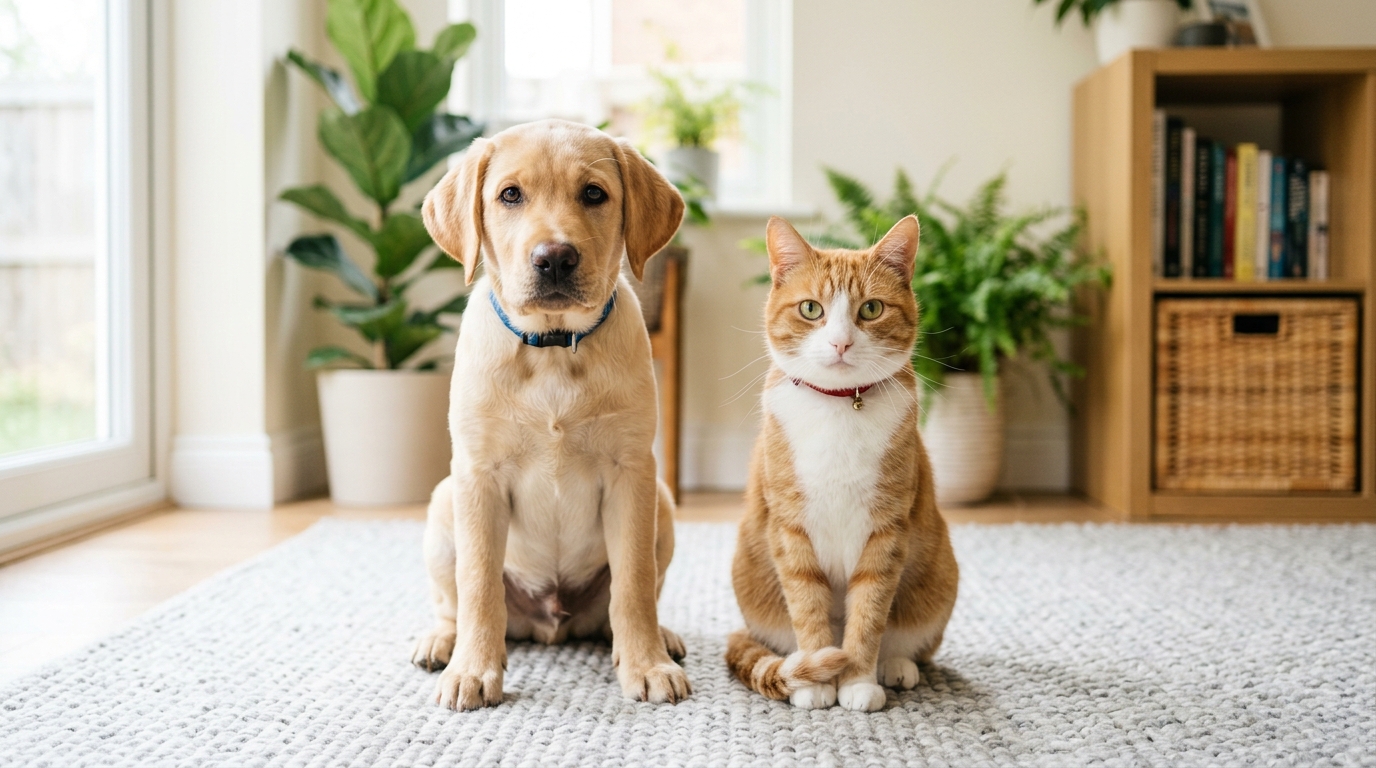
If you are working specifically with a canine friend, you can use the dedicated animate dog photo workflow to automatically optimize the framing for canine muzzle shapes. If you are animating a feline, the animate cat photo engine automatically tunes the tracker for subtle cat ear and whisker articulation.
Step 2: Choose Your Animation Template and Voice Personality
Once your photo is uploaded, select the creative direction for your video. Rather than forcing you to write intricate text prompts like "hyper-realistic 8k cinematic lighting talking cat", modern platforms offer zero-prompt curated templates:
- Talking Pet Archetypes: Choose from pre-tuned personality voice profiles such as Cute (playful, high-energy), Funny (goofy, relatable), Dramatic (over-the-top soap opera), Sassy (unbothered, sarcastic), or Royal (posh, demanding).
- Custom Scripts & Audio: Type in your own hilarious monologue or upload an audio recording of your own voice.
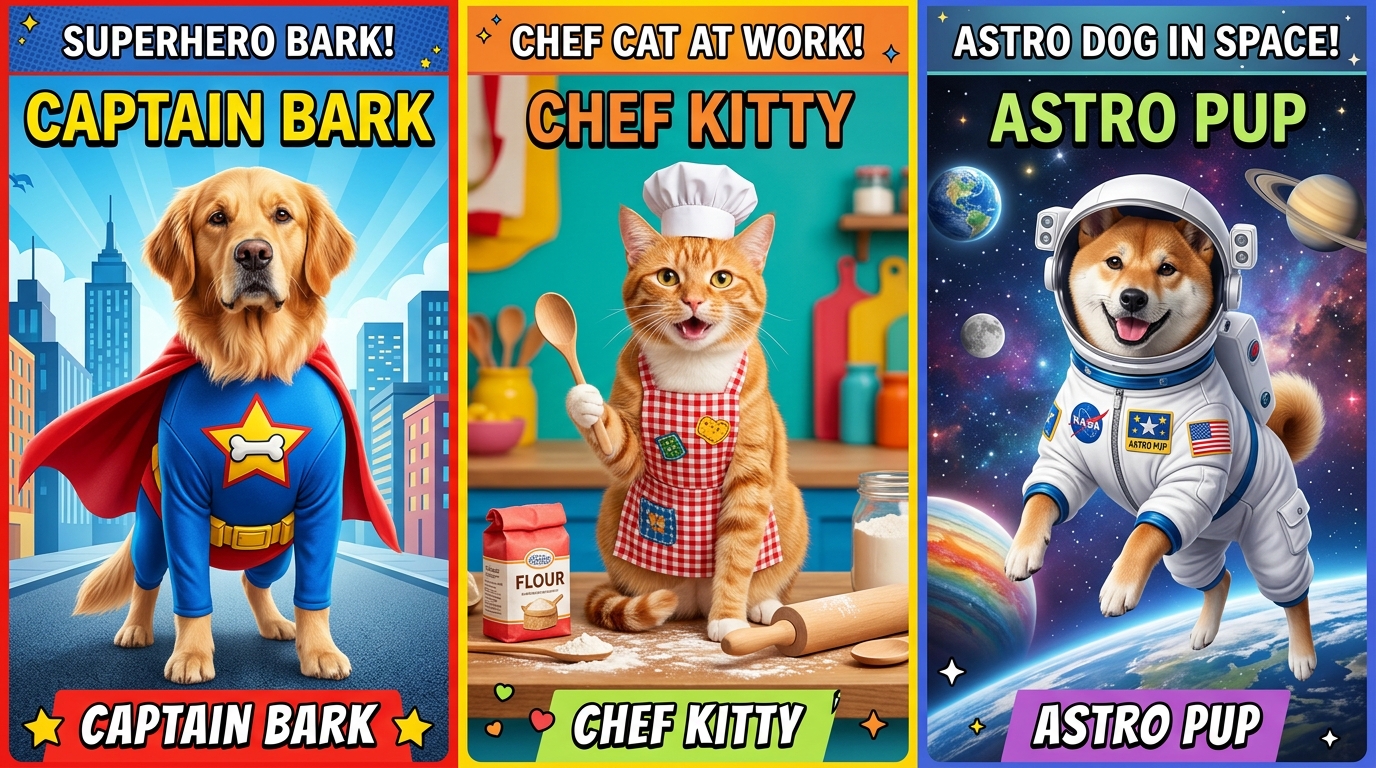
- Character Transformations: Place your pet directly into themed scenes like superhero adventures, gourmet kitchens, or cosmic space odysseys.
Step 3: Generate and Export in 9:16 Vertical HD
Click generate and let the cloud rendering engine process the animation. In about 60 to 90 seconds, your finished 10-second HD video is ready for playback.
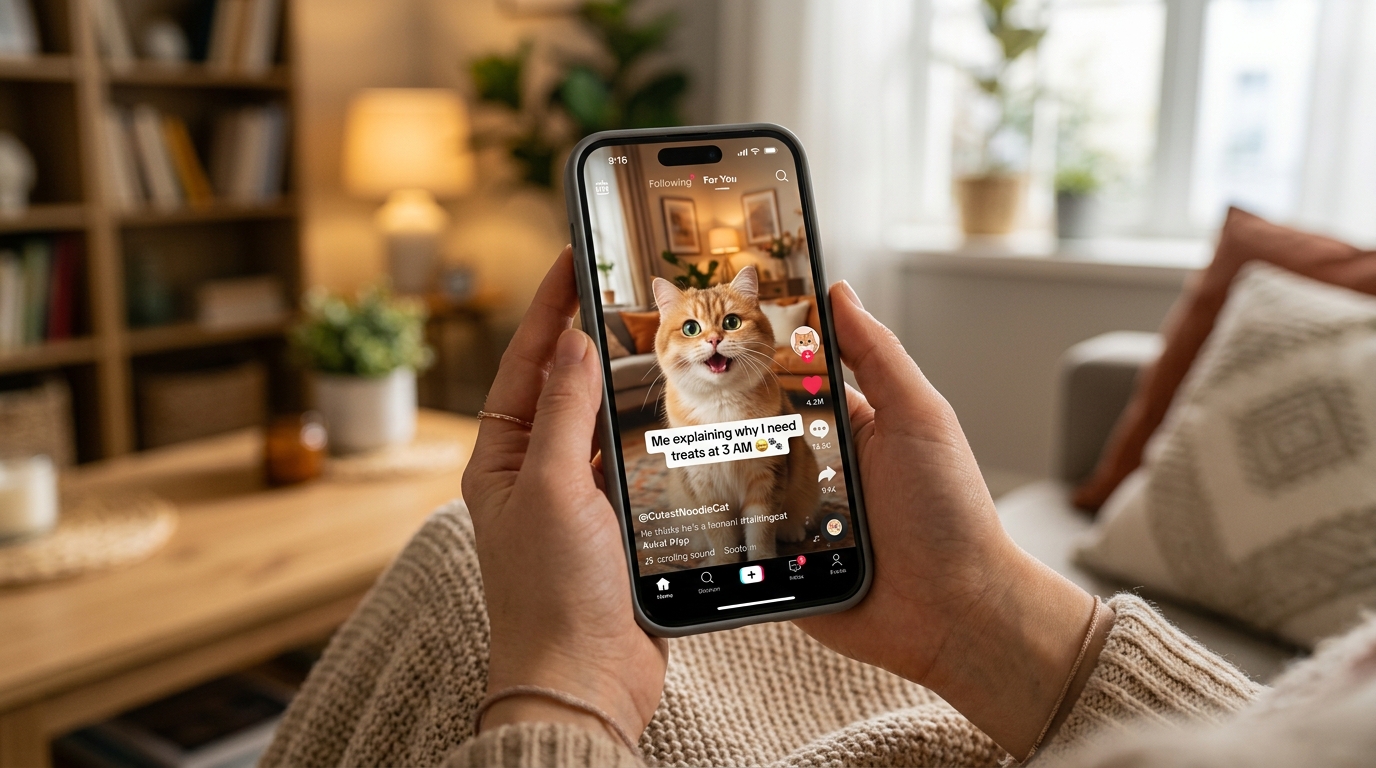
Preview the lip-sync timing, check the expressive facial gestures, and download your watermark-free MP4. Because the file is pre-formatted in native 9:16 vertical resolution, you can post it directly to TikTok, Instagram Reels, or YouTube Shorts without awkward black bars, manual cropping, or visual compression.
Beyond Basic Lip-Sync: 3 Creative Animation Formats You Can Make
While having your dog say "I love bacon" is undeniably fun, the world of pet AI has expanded far beyond simple talking heads. Creators are using diverse visual formats to build entire entertainment channels and viral series around their animals.
| Animation Category | Best Templates | Visual Effect & Motion | Ideal Social Format |
|---|---|---|---|
| Expressive Talking Pets | Talking Dog, Talking Cat, Pet Sings | Realistic mouth sync, ear wiggles, expressive head tilts | TikTok monologues, reaction skits, storytelling |
| Character Transformations | Pet Superhero, Pet Chef, Pet Rockstar, Space Explorer | Fully stylized outfits, dynamic environment motion, thematic props | Holiday cards, birthday gifts, creator series |
| Cinematic Social Formats | Pet Movie Trailer, Pet Reacts Dramatically, 3D Cartoon | Hollywood voiceovers, epic sound design, dramatic zooms | Viral Reels, YouTube Shorts, meme hooks |
1. Expressive Talking Pet Skits
This is the classic format that never fails to engage audiences. You can create two-way comedic conversations between two household pets or stage an interview between yourself and your dog.
Creator Tip: The secret to a viral talking clip is comedic brevity. Keep the video between 7 and 10 seconds. Start with an abrupt, high-stakes statement in the first 1.5 seconds—such as "Karen, we need to discuss the kibble-to-treat ratio in this household"—and end right on the punchline.
2. Character Transformations
Why limit your fur baby to the living room couch? With zero-prompt transformation templates, you can instantly turn your pet into iconic cinematic characters while retaining their authentic facial identity:
- Pet Superhero: Equips your dog or cat with a customized fluttering cape, heroic wind effects, and a dynamic city skyline backdrop.
- Pet Chef: Puts a miniature chef hat on your pet in a bustling five-star kitchen as they prepare gourmet sausages or critique dry food.
- Pet Rockstar: Adds neon stage lights, smoke machines, and electric guitar riffs for energetic pets.
- Pet Goes To Space: Encapsulates your pet in a glowing astronaut helmet floating weightlessly against starry nebulae.
Marcus Vance, a pet creator from Denver, decided to test the superhero format on Buster, his five-year-old rescue pit bull mix. Marcus used the Pet Superhero template on Animate My Pet's template gallery to create a mock movie trailer titled "Captain Buster: Defender of the Backyard Fence". Marcus shared the clip in a family group chat and posted it to Instagram Reels. Within three days, the video clocked over 400,000 views and landed Buster an invitation to feature on a popular local pet rescue spotlight.
3. Cinematic Viral Formats & Movie Trailers
Cinematic templates pair full-body animations with professional Hollywood voiceovers, thundering orchestral tracks, and blockbuster sound design. Formats like Pet Movie Trailer frame everyday pet struggles—like the dreaded visit to the veterinarian or the terrifying appearance of the vacuum cleaner—as epic, summer-blockbuster drama.
If you are focusing on cat content, using a dedicated ai cat video generator allows you to capture the distinct, dramatic micro-reactions that cat lovers love to share.
To see step-by-step video demonstrations and creative workflows in action, authoritative video production tutorials on platforms like YouTube regularly highlight how combining short-form hooks with AI animation accelerates channel growth for animal influencers.
The Perfect Pet Photo Checklist: How to Avoid Uncanny Distortions
The secret to generating an animated pet video that looks magical instead of eerie lies entirely in your starting photo. Generative neural networks rely on clear pixel contrast to distinguish between a pet's lips, teeth, fur, and nostrils.
Follow this practical checklist before hitting upload:
┌────────────────────────────────────────────────────────────────────────┐
│                      PET PHOTO PRE-FLIGHT CHECKLIST                    │
├────────────────────────────────────────────────────────────────────────┤
│  [✓] Eye-Level Angle      : Camera aligned directly with pet's eyes    │
│  [✓] Diffused Lighting    : Bright natural daylight, zero harsh glare │
│  [✓] Clean Mouth Area     : No toys, bones, drool bubbles, or hands    │
│  [✓] Closed/Resting Mouth : Gives AI full range for natural speech     │
│  [✓] Crisp Focus          : Sharp whisker details without motion blur  │
│  [✓] Uncropped Head       : Both ears and chin fully inside the frame  │
└────────────────────────────────────────────────────────────────────────┘
Common Photography Mistakes to Avoid
- The Downward "Human Perspective" Angle: Taking a photo while standing over your pet distorts their skull proportions, making the forehead look disproportionately large and compressing the snout. Always crouch down to your pet's eye level.
- Flash Glare in the Eyes: Direct smartphone flash creates harsh glowing "laser eyes" (tapetum lucidum reflection) that blinds the AI's pupil-tracking algorithm. Use soft natural window light instead.
- Severe Head Tilts or Extreme Profiles: While 45-degree angles can work, photos where only one eye is visible force the AI to hallucinate the missing side of the face, which can lead to unnatural symmetry glitches during movement.
- Heavy Motion Blur: If your pet is mid-zoomie, the camera shutter may blur individual fur strands around the jawline. Take a burst of photos while holding a favorite treat right above your phone lens to get a locked-in, curious stare.
Scriptwriting & Voice Matching: 5 Pet Archetypes That Go Viral
The animation brings the movement, but the script and voice acting deliver the soul. To make your pet video resonate on social feeds, match your pet's visual expression with one of these five proven comedic archetypes:
         ┌─────────────────────────────────────────────────────────┐
         │              VIRAL PET VOICE ARCHETYPES                 │
         └─────────────────────────────────────────────────────────┘
                                      │
         ┌──────────────────┬─────────┴─────────┬──────────────────┐
         ▼                  ▼                   ▼                  ▼
    [The Monarch]     [Drama King]        [The Foodie]       [The Hero]
   (Sassy/Aristocrat) (High Anxiety)    (Gourmet Critic)  (Epic Protector)
1. The Sassy Monarch (Best for Cats & Aloof Dogs)
- Voice Preset: Sassy or Royal
- The Angle: Complete condescension toward their human caregiver.
- Sample Script: "I see you have purchased the generic salmon pate again. Fascinating. I shall now demonstrate my appreciation by pushing your coffee mug off the nightstand."
- Why It Works: Highlights the universal truth that cats view themselves as royalty and humans as staff.
2. The Overly Dramatic Drama King (Best for Huskies & Small Dogs)
- Voice Preset: Dramatic
- The Angle: Treating minor everyday occurrences as life-or-death tragedies.
- Sample Script: "The water... it touched my left paw. The betrayal is absolute. Tell the world I loved belly rubs before the bath consumed my spirit."
- Why It Works: Huskies and dramatic breeds have built-in internet fame for vocal theatrics; leaning into melodrama generates massive shares.
3. The Unfiltered Foodie (Best for Labs, Golden Retrievers & Pugs)
- Voice Preset: Funny
- The Angle: Obsessive internal monologue calculating treat delivery times.
- Sample Script: "You unwrapped cheese at a 42-degree angle in the kitchen. According to Section 4 of the Household Treaty, the cheese tax is now officially due."
- Why It Works: Taps into the universally recognized "cheese tax" meme culture across TikTok and Reels.
4. The Fearless Backyard Hero (Best for Terriers & Guard Dogs)
- Voice Preset: Dramatic / Heroic
- The Angle: Protecting the perimeter from existential threats (the postal worker or the squirrel on the fence).
- Sample Script: "Intruder spotted at sector four. It possesses a fluffy tail and acorns. Stand back, human. I will bark continuously until victory is secured."
5. The Sweet Innocent (Best for Puppies & Kittens)
- Voice Preset: Cute
- The Angle: Pure, wide-eyed wonder paired with accidental mischief.
- Sample Script: "I didn't chew your favorite shoe. The shoe attacked me first. I was simply defending our living room honor."
For creators building a full brand around their talking animals, standard copyright and fair use best practices outlined by resources like the U.S. Copyright Office offer clear guidance on protecting original scripts, audio voiceovers, and unique comedic characters.
App Store Subscription Traps vs. Transparent One-Time Credit Packs
If you have ever searched for animal animation tools on the Apple App Store or Google Play Store, you have likely encountered a frustrating industry trend: predatory recurring subscriptions.
Many mobile apps lure users in with a "free download" button, only to hit them with a forced $29.99/month or $9.99/week auto-renewing subscription trial before allowing a single video export. If you only want to create a couple of birthday videos for your family or test out a fun meme idea, getting locked into a recurring monthly charge is frustrating.
| Feature / Model | Mobile App Store Subscriptions | Animate My Pet Credit Packs |
|---|---|---|
| Pricing Model | $19.99 – $39.99 recurring monthly fee | One-time payment starting at $9.99 |
| Commitment | Automatic recurring billing | Zero subscription; credits never expire |
| Device Flexibility | Locked to a single phone/OS | Web-based; works on iOS, Android, PC, Mac |
| Free Entry Point | Forced credit card sign-up | 1 Free AI Portrait without credit card |
| Watermark Removal | Requires top-tier annual plan | Watermark-free on all credit packs |
| Video Resolution | Often compressed 480p/720p | Crisp 720p/1080p 9:16 Social HD |
By choosing a transparent one-time pet video credit pack, you maintain complete financial control:
- Starter Pack ($9.99): Delivers 3 video generations plus 5 AI pet portraits. Ideal for testing out your first talking clips.
- Creator Pack ($24.99 - Most Popular): Provides 10 video generations and 15 AI pet portraits. Perfect for active social media creators posting weekly content.
- Viral Pack ($49 / $59): Offers 25 video generations and 30 AI pet portraits, offering the lowest cost-per-video for dedicated pet influencers and multi-pet households.
You purchase credits when inspiration strikes, and your credits remain in your account until you decide to use them—with no surprise credit card renewals.
Frequently Asked Questions (FAQ)
How do I make my pet talk in a video for free?
You can create a free preview by visiting Animate My Pet and uploading your dog or cat photo. New users can claim one free high-definition AI pet portrait and preview animation samples without submitting credit card details before upgrading to a full credit pack.
What kind of pet photo gives the best AI animation results?
The best results come from a crisp, eye-level, front-facing photo taken in natural daylight with a closed or neutral mouth. Make sure both ears and the full chin are visible and unobstructed by hands, collars, or chew toys to ensure seamless facial landmark tracking.
Do I need video editing or prompt engineering skills?
No technical skills are required. Unlike complex generative platforms that demand detailed text prompts and timeline editing, tools like Animate My Pet use one-tap curated templates. Simply upload your photo, select a voice style or scene, and the AI handles the rest automatically.
Can AI animate pets other than dogs and cats?
Yes. While the facial landmark algorithms are specialized for canine and feline facial structures, the neural engine can also animate rabbits, horses, birds, and other animals with clearly visible facial features and forward-facing eyes.
Are my uploaded pet photos kept private and secure?
Yes. Uploaded pet photos and generated videos are processed through secure cloud infrastructure and automatically deleted from servers within 24 hours to 7 days. Your personal pet photos are never used to train public models or shared with third parties.
Conclusion & Your Next Steps
Turning a still photo into a talking, moving, full-personality video used to require expensive 3D animation studios and weeks of rendering time. Today, modern generative AI puts that creative power directly into your web browser. In less than two minutes, you can uncover your pet's secret thoughts, create unforgettable keepsakes for family, or launch a viral social media channel that brings joy to thousands of pet lovers worldwide.
Here is your quick action plan to get started:
- Today: Scroll through your camera roll and pick out one well-lit, front-facing photo of your pet with a clear view of their eyes and mouth.
- In 2 Minutes: Head over to the creation studio, upload the picture, and select a personality voice style or transformation template that captures your fur baby's real attitude.
- This Week: Share your finished 9:16 vertical video in your family group chat or post it directly to TikTok, Instagram Reels, and YouTube Shorts to watch the reactions roll in.
Ready to see what your pet has to say? Visit Animate My Pet right now to make your pet talk in seconds and bring your favorite fur baby to life!